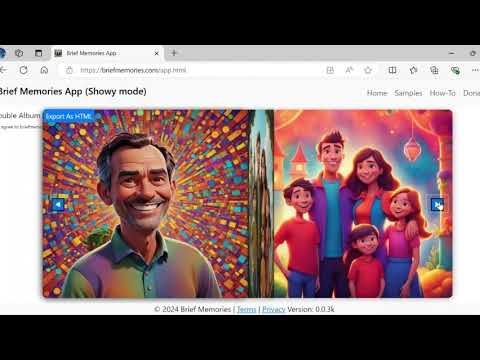
Learn How to Use Brief Memories in Minutes
Watch this brief video tutorial to quickly understand the core features of the app and get started.
With Brief Memories, you can easily organize, edit, and create stunning visual presentations of your cherished photos. Here’s a step-by-step guide to help you get the most out of the app.
Start by selecting the photos you'd like to work with from your device. These images will be uploaded to the browser memory and displayed in the Gallery mode, where you can view and manage them.
In Gallery mode, simply click on an image to enter Edit Mode. By long pressing in Edit Mode, you can:
Click the image again to return to the Gallery.
In Gallery mode, you can perform actions on all images at once, such as:
Our app does not store any of your personal data or photos on a server. All uploaded photos and related data are stored locally in your browser’s Database, a storage space within the browser. This means your images and other data remain on your device unless you clear your browser data, including the cache and Database, which will permanently remove your stored information.
If you wish to retain your data, you have the option to export it from Database (under Bulk Actions) before clearing the browser data. You can later import the exported data to restore your previous setup.
Since all data is stored locally on your device, we do not manage retention policies. However, please be aware that clearing your browser’s cache or performing a factory reset on your device may result in the deletion of your locally stored data.
While in Gallery mode, you can customize the transitions and effects for your slideshow. Set the speed and choose from the following transitions:
Once you've customized your slideshow in Showy mode, you can export it as an HTML file. The exported file will retain your selected transitions and settings, allowing you to share it as a self-contained webpage.
Watch this brief video tutorial to quickly understand the core features of the app and get started.